 DebAi
Say it
“Bought a coffee for $3.” DebAi picks up the amount, category and currency.
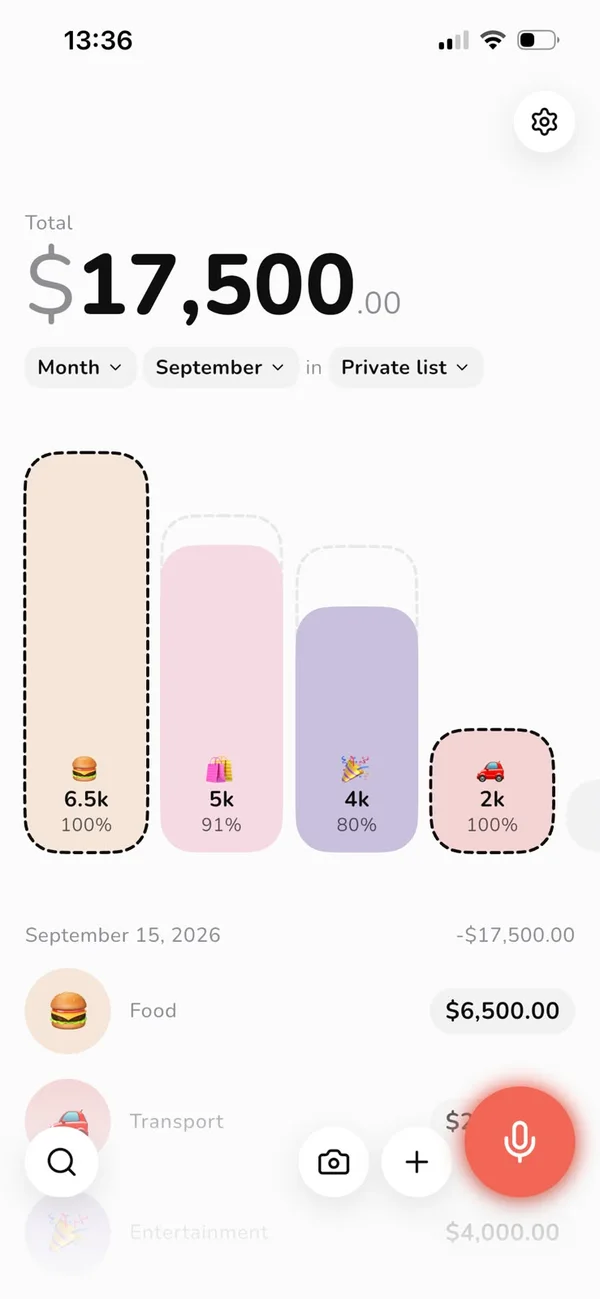
Log an expense by talking, snapping the receipt, or straight from your bank notification. DebAi sorts it into a category and shows how much is left in each budget.
How it works
Pick whatever's easiest in the moment. AI fills in the rest.
“Bought a coffee for $3.” DebAi picks up the amount, category and currency.
Take a photo of the receipt and AI reads the store, amount and category.
Amount, name, done. The category suggests itself.
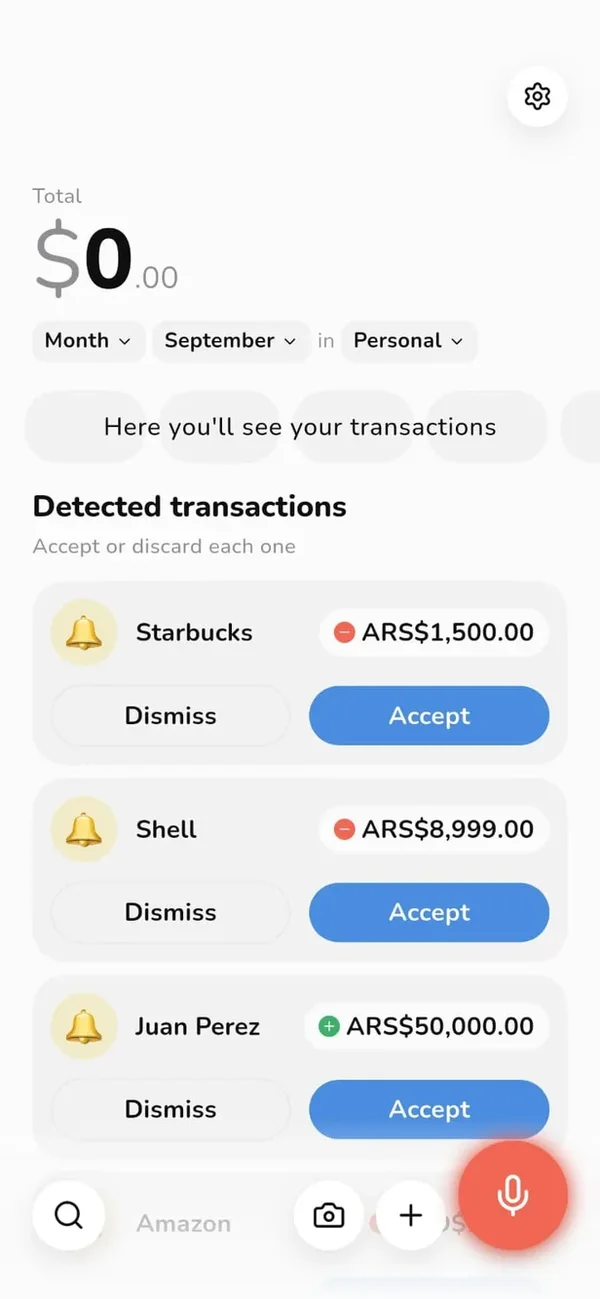
DebAi spots the payment in your bank or wallet notification. You just accept or dismiss.
Shared lists
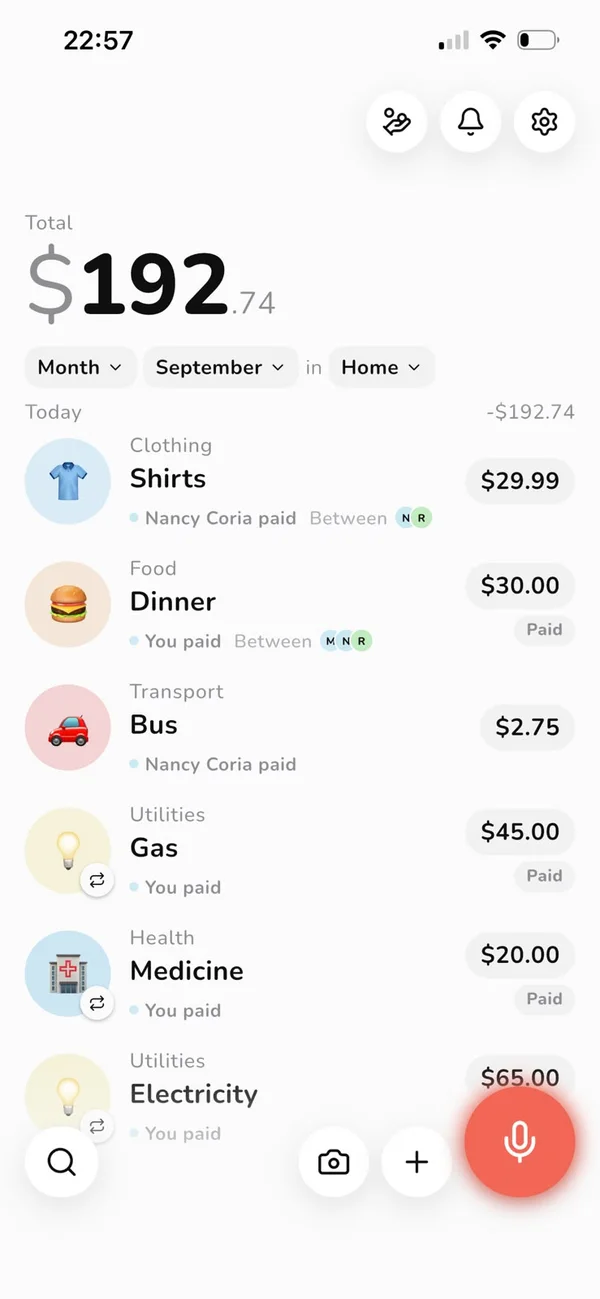
Start a list with your partner, roommates or travel group. Every expense shows who paid and who it's split between, and DebAi keeps track of who owes what.
Voice
Tap the mic and tell DebAi what you bought. You can fix the text before sending it — and in a shared list, say who paid too.

Detected payments
When a payment notification arrives, DebAi has it ready to accept, with amount and merchant. Nothing is saved until you confirm.
On Android, from your bank notifications. On iPhone, via an Apple Pay automation in Shortcuts.
Multiple currencies
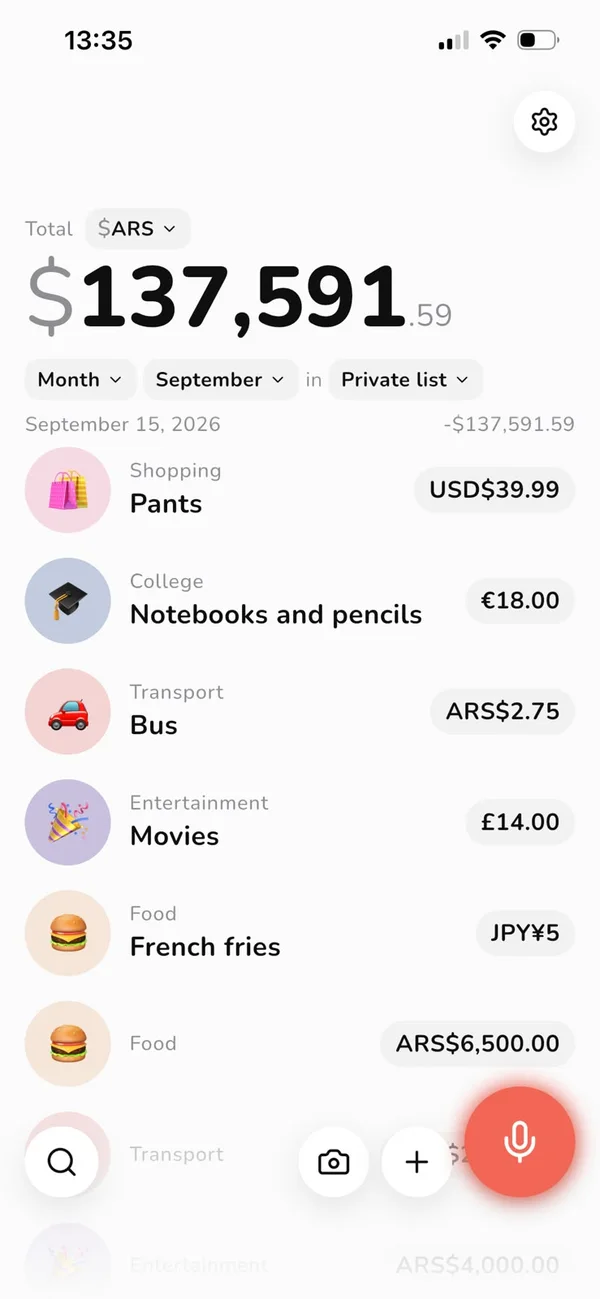
Pesos, dollars, euros or yen in the same list. DebAi converts with up-to-date exchange rates and shows the total in your currency.
Recurring payments
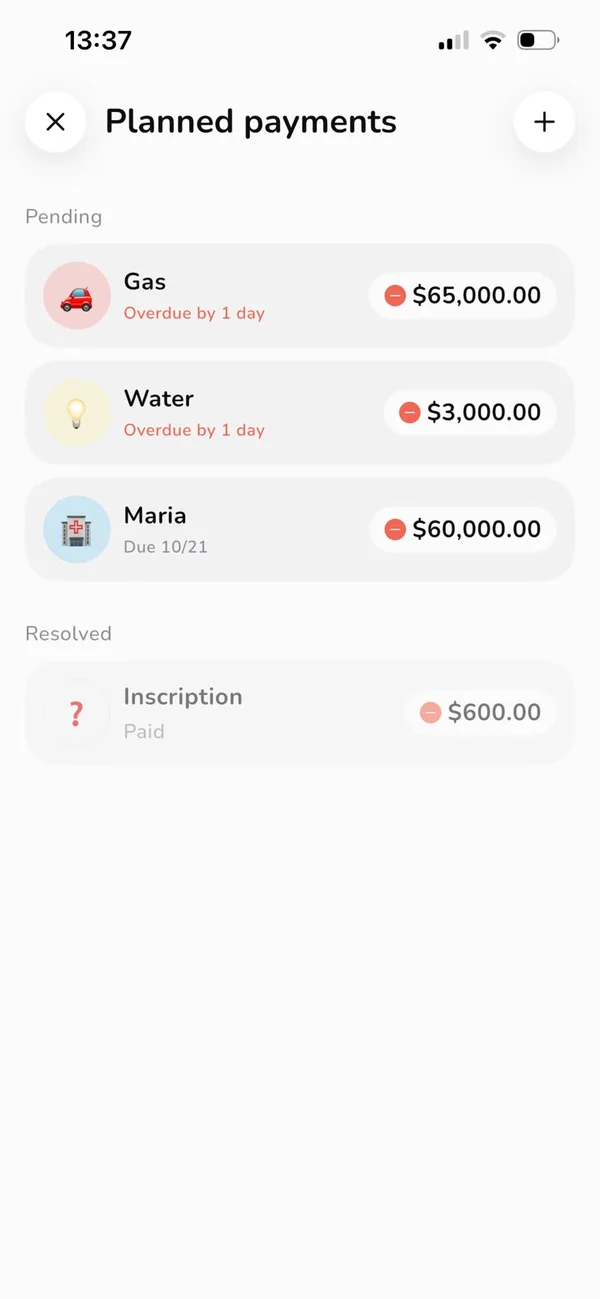
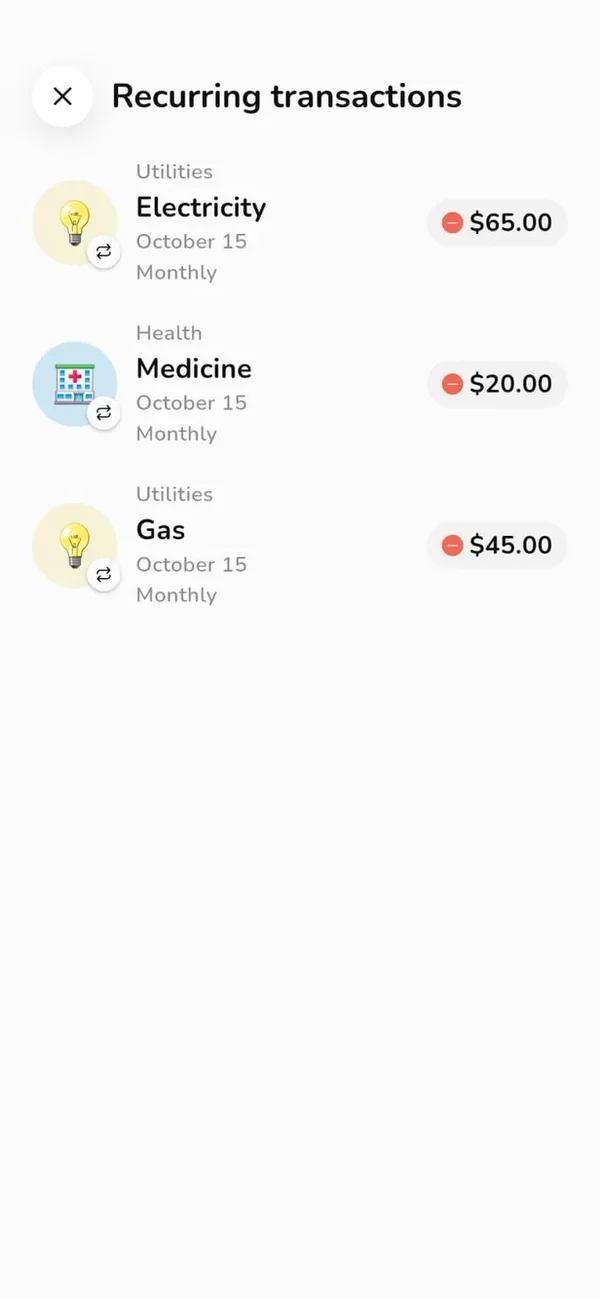
Add rent, utilities or that installment once. Recurring expenses log themselves, and planned payments show what's due soon and what's overdue.
Your way
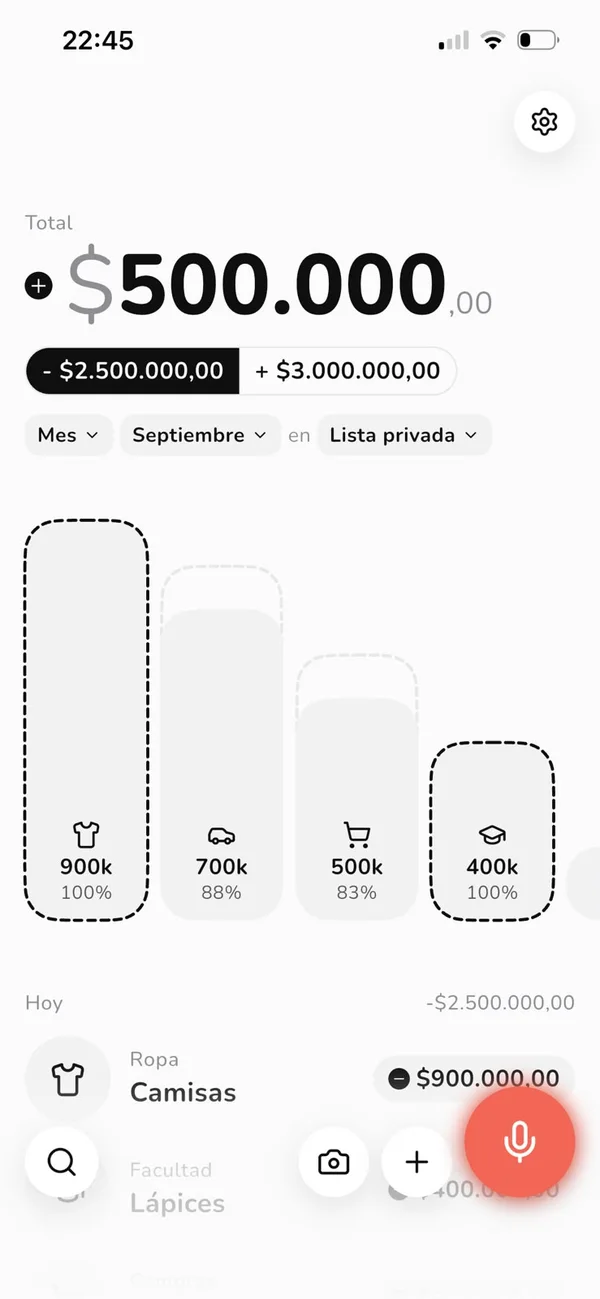
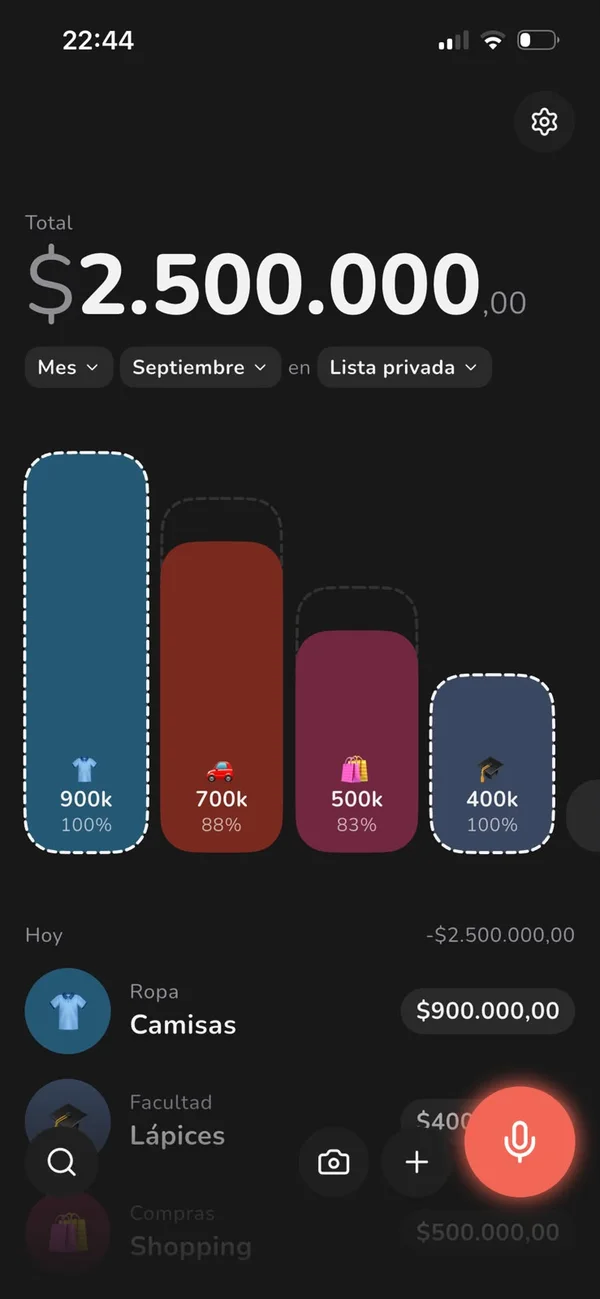
Swap emoji for icons, turn on dark mode, and lock the app with your fingerprint or Face ID.
And more
Cap groceries or going out and see what's left.
Save up for that trip or purchase and track your progress.
Log what you owe and what you're owed, and stop guessing.
Your monthly spending on your Android home screen.
No one sees your numbers without your fingerprint or face.
The app, dates and amounts in your language and format.
FAQ
There's a monthly and a yearly plan, both available in the app. The yearly plan comes with 7 days free: the store doesn't charge you until they're over, and we'll remind you 2 days before.
Yes. Send them the invite link, they install the app and land right in the list.
Your data lives on your phone and, with an active subscription, is backed up to the cloud so you don't lose it when you switch devices.
On Android, DebAi reads payment notifications from your bank or wallet. If one isn't recognized, you can still log it by voice, photo or by hand.
Yes. Each expense keeps the currency you paid in, and each list shows the total in the currency you choose.
Not for you? Cancel before the trial ends and you pay nothing. We'll remind you 2 days before.